
DC 5–24V · 800 pixels
Supports control of up to 800 addressable RGB pixels. Confirm the LED protocol, operating voltage and power distribution. Pixel capacity does not specify the board’s current rating.
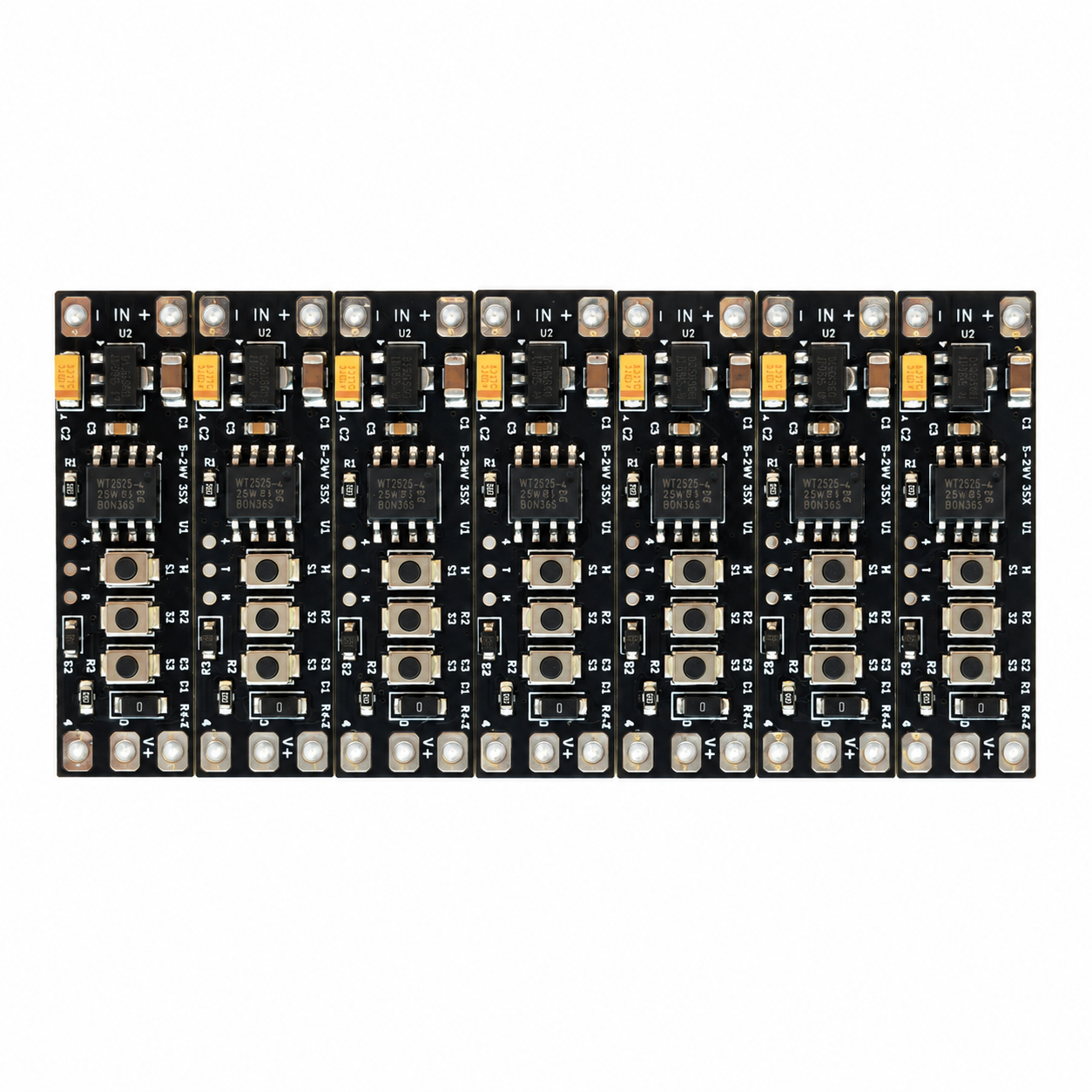
800 PIXELS · THREE-BUTTON CONTROL
Control up to 800 addressable RGB pixels with this DC 5–24V LED controller. Dedicated mode, brightness and speed buttons provide five speed levels, three brightness levels and on/off control. Confirm the LED protocol and power arrangement before selecting customized lighting effects.
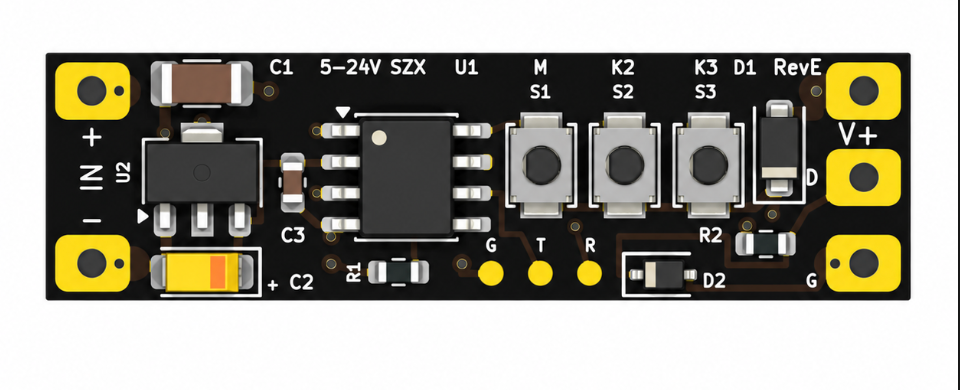
S1 changes the effect. S2 adjusts brightness. Tap S3 for speed; hold for about 1.5 seconds to switch power.
S1: Rainbow flow → RGB meteor → Color chase → Color breathing. S2: 100% → 25% → 50%. S3: release a short press to cycle five speeds; hold about 1.5 seconds to turn on/off. Holding longer will not repeat, and release after a hold will not change speed. While off, hold S3 to resume.
Keyboard: focus S3, then tap or hold Enter / Space.
Illustrative effects only, not a recording of the controller firmware. These four previews and five speed levels are for this web demo; actual effects, speed settings and LED count depend on the selected firmware.
DC 5–24V input · up to 800 pixels
S1 modes · S2 brightness · S3 speed and on/off
Lighting effects can be customized
Review the inputs needed to start
↓APPLICATION FIRST
Select lighting modes with S1, cycle brightness with S2 and adjust speed or turn the lights on and off with S3. The short-press and long-press actions on S3 are separated so releasing a power-toggle press does not accidentally change the speed.
PRODUCT GALLERY
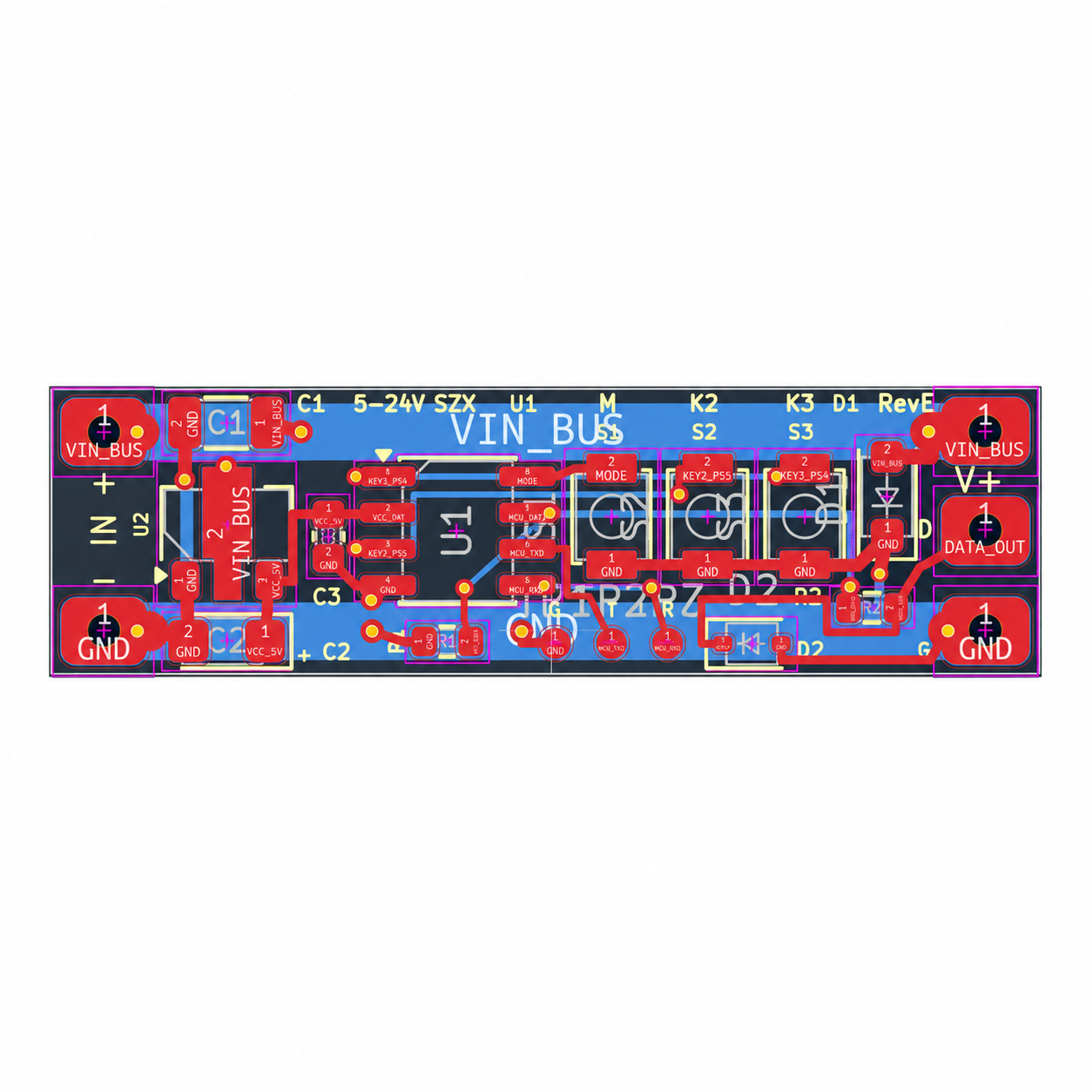
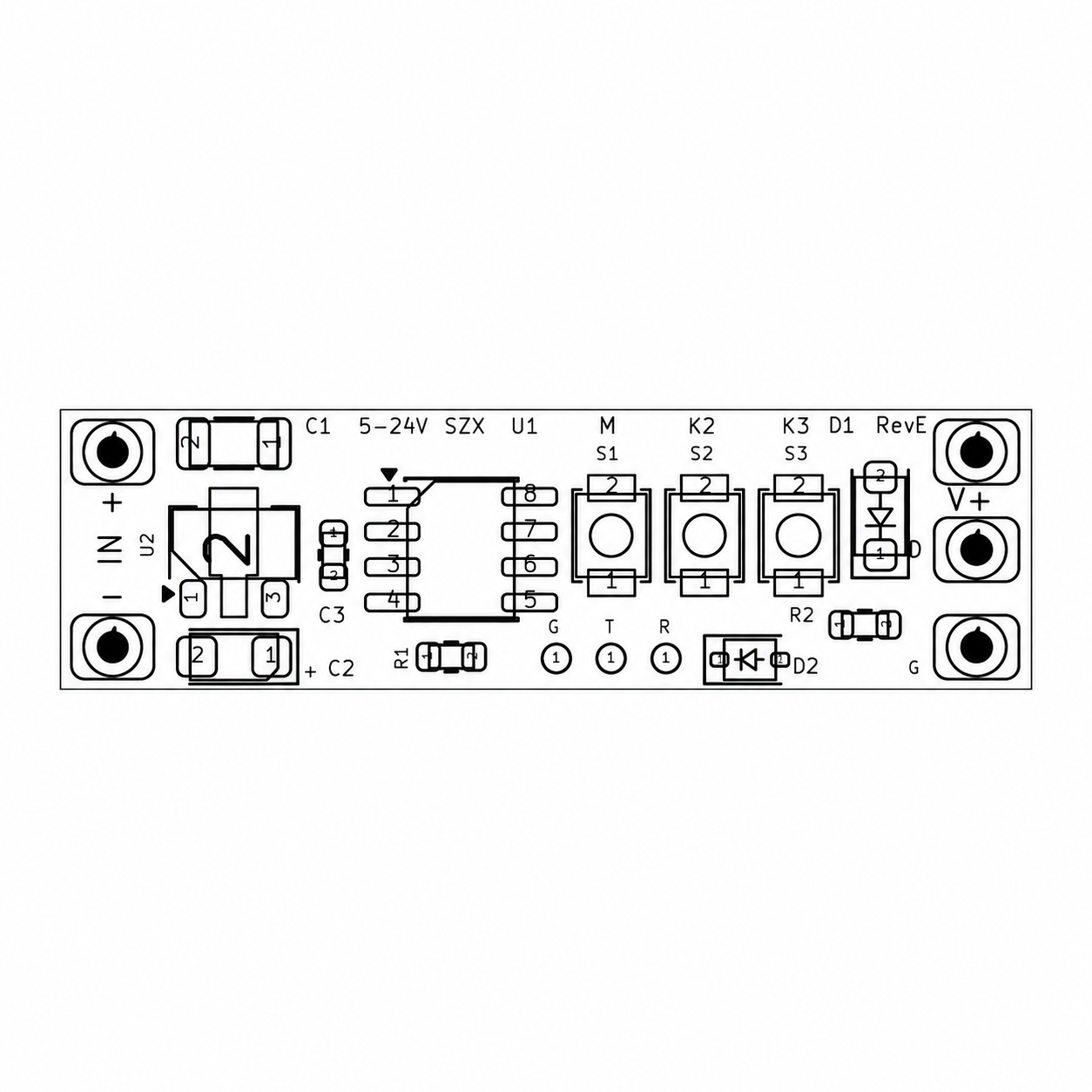
Supplied images shown unchanged. Select an image to view it at full size. Layout images are visual references, not production files or wiring instructions.
SPECIFICATIONS & BUTTON GUIDE
Button behavior for this controller configuration. Lighting effects can be customized to your product requirements.
Supports control of up to 800 addressable RGB pixels. Confirm the LED protocol, operating voltage and power distribution. Pixel capacity does not specify the board’s current rating.
Use S1 to switch between lighting modes. The effect selection can be customized for the application.
Cycle in this order: 100% → 25% → 50% → 100%.
Short-press S3 to cycle through five speed levels. The change takes effect when the button is released.
Press and hold S3 for approximately 1.5 seconds to turn the lights on or off. Continuing to hold does not trigger repeated toggles. Releasing after the long press does not change speed.
Lighting effects support customization. Share the desired colors, motion, transitions and effect sequence so the firmware scope can be agreed.
DEFINE BEFORE DESIGN
Confirmed requirements, preferred targets, and open questions can all be included in the first brief. Unknown values stay visible until they are reviewed.
Addressable RGB LED type and protocol, pixel count, operating voltage, current requirements and wiring layout. Review RGBW or CCT requirements separately before confirming compatibility.
Static colors, scenes, fades, animations, synchronization, startup state, memory, and transition timing.
Buttons, touch, sensors, remote, DMX, UART, CAN, wireless module, or host-controller commands.
Input range, switching devices, current margin, reverse protection, transient conditions, and fault response.
PWM frequency, addressable timing, cable length, grounding, noise, connectors, and installation environment.
Effect definitions, calibration, update route, diagnostics, test points, and agreed acceptance criteria.
PROJECT FIT
These are development directions, not additional supported protocols or interfaces of the pictured three-button controller. Confirm any changed hardware or firmware scope separately.
Multi-zone color, dimming, scenes, and user-interface behavior inside an OEM product.
Lighting effects coordinated with machine states, inputs, audio triggers, or service functions.
Custom channels, dimming, control protocols, wiring, and installation constraints.
Update connectors, load capability, firmware behavior, form factor, or component availability.
CONTROLLED DEVELOPMENT PATH
A review result, prototype, or sample remains a project stage. Production begins only from the information and acceptance criteria approved for that project.
Confirm the application, functions, electrical limits, interfaces, mechanical constraints, quantity, and open questions.
Develop the agreed circuit, PCB layout, firmware scope, connectors, and prototype route.
Check the agreed functional, electrical, thermal, communication, and fit criteria, then record revisions.
Release only the approved design, component, firmware, assembly, inspection, and packing information.
DESIGN & MANUFACTURING SUPPORT
Our in-house PCB design connects your product requirements with manufacturing and testing capabilities at our partner factories.
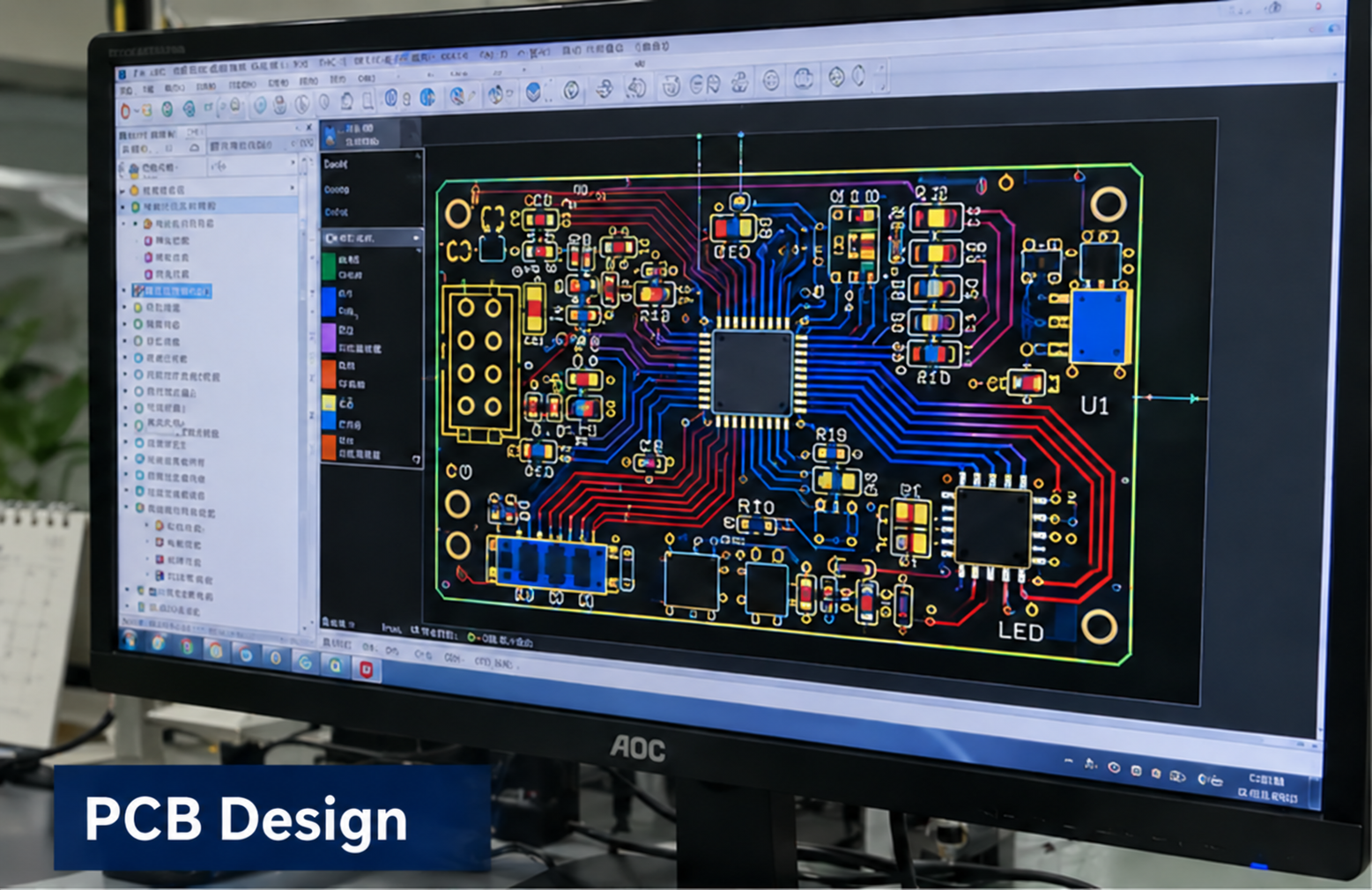
In-house design
Circuit and PCB layout developed around your product requirements.
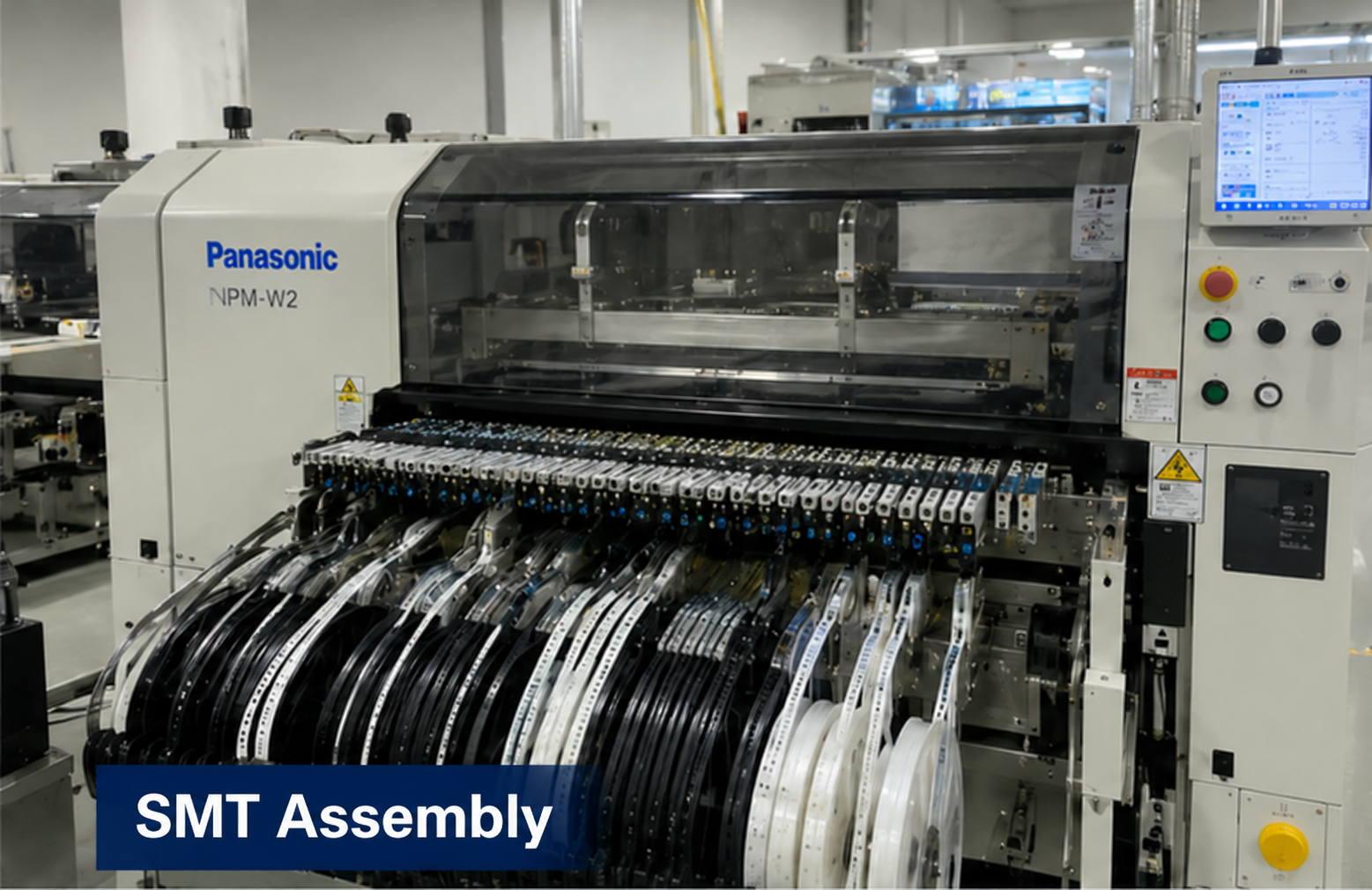
Partner factory
Component placement and assembly for the approved board design.
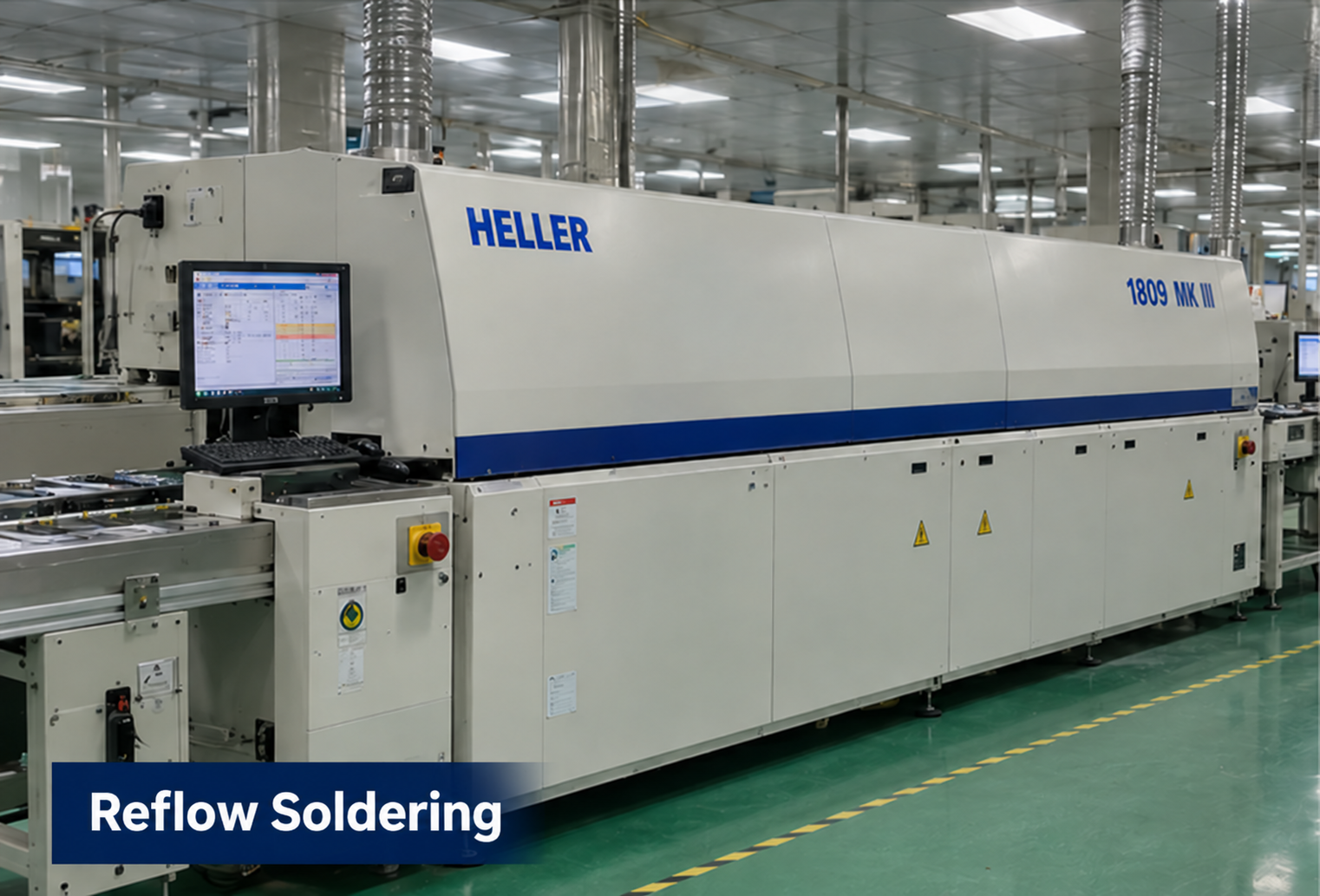
Partner factory
Reflow soldering as part of the board assembly process.
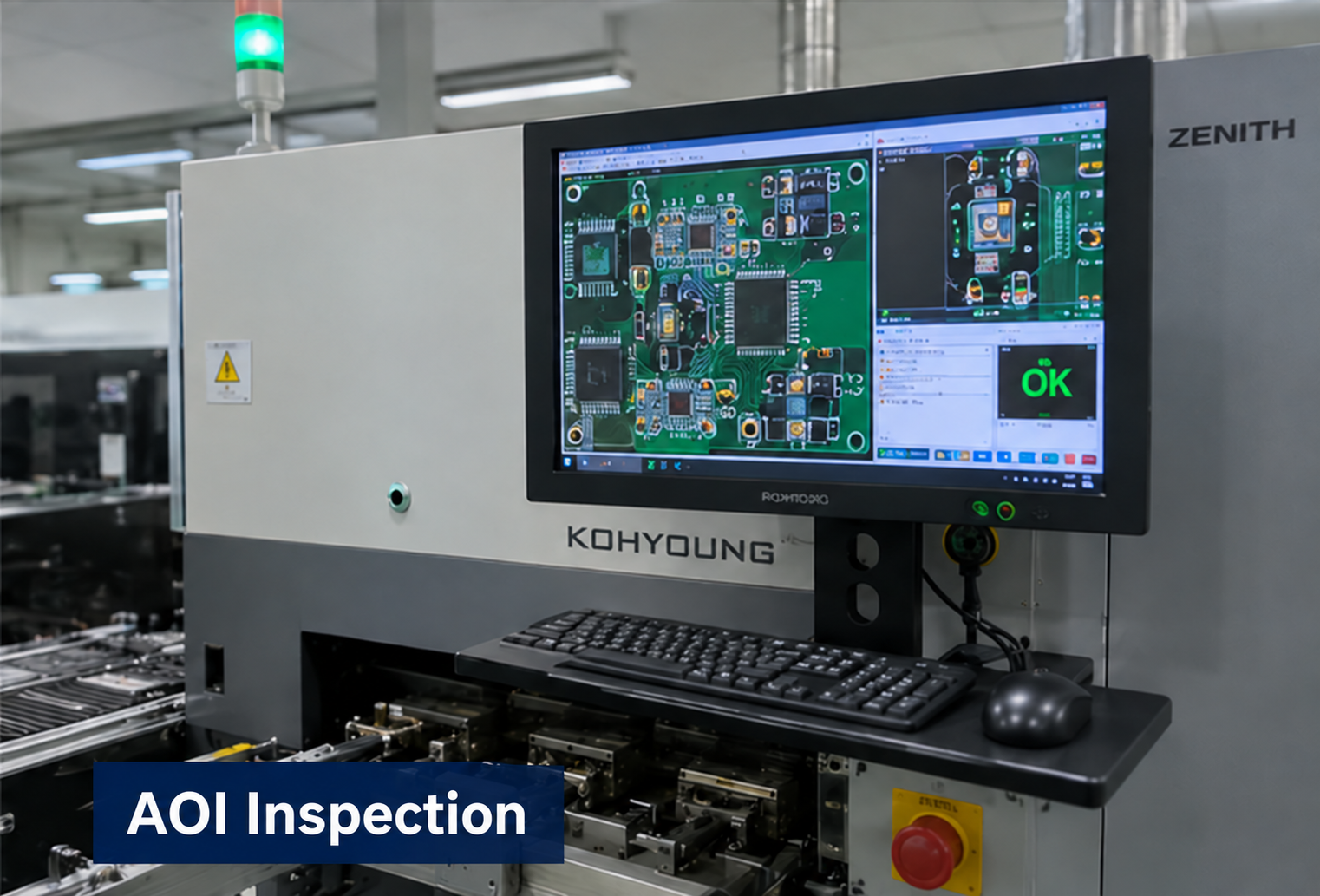
Partner factory
Optical inspection to support assembly quality checks.
Partner factory
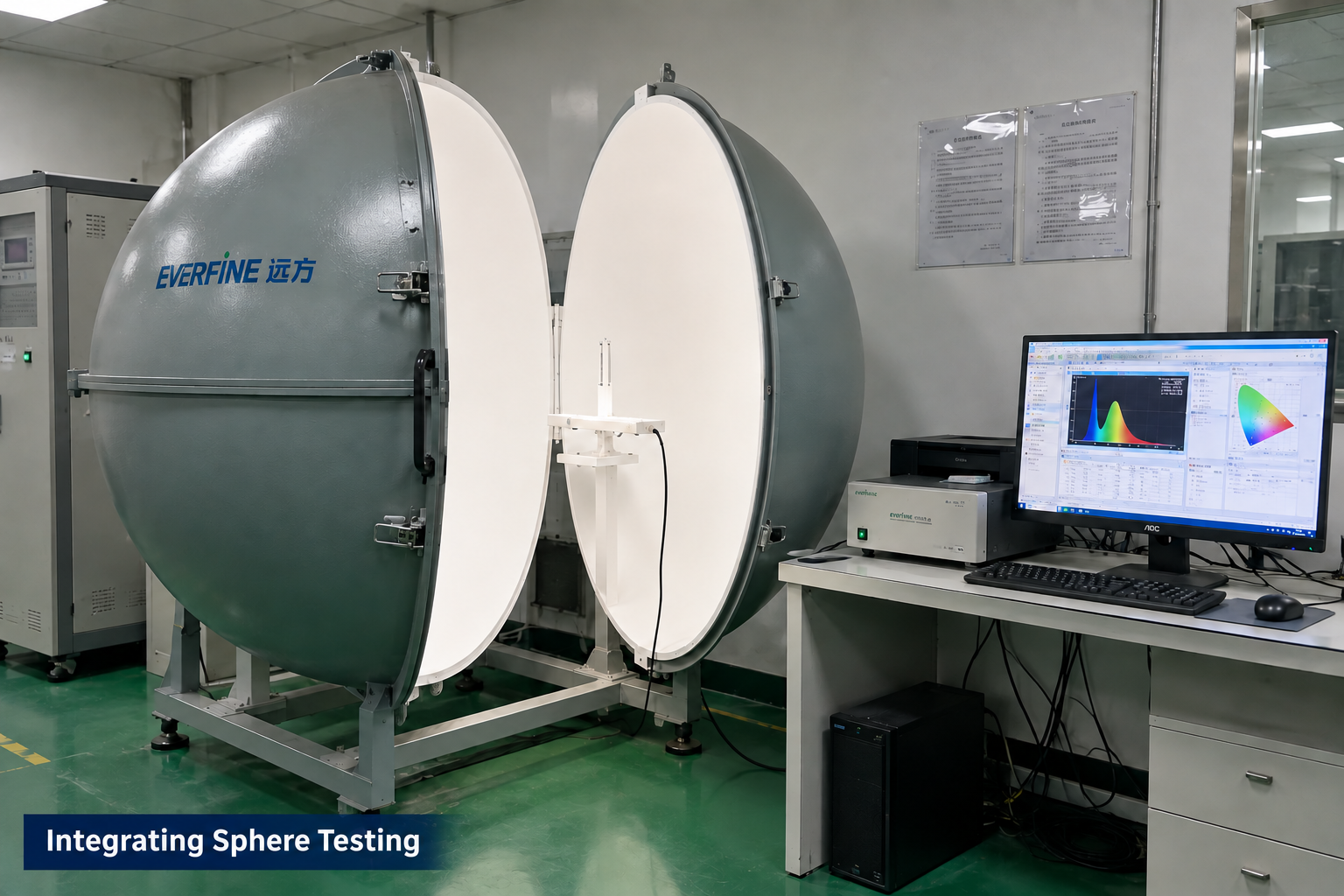
Optical measurement for applicable LED module projects.
Manufacturing and testing scope is agreed for each project. Integrating sphere testing applies to LED optical projects; it is not a required test for every control board. These images illustrate capabilities, not test results or certification for this product.
PROJECT QUESTIONS
These answers describe how a project can begin. They do not promise an unreviewed specification, performance result, certification, schedule, or price.
DC 5–24V input and control of up to 800 addressable RGB pixels. Pixel count is a control capability, not a current rating. Confirm LED protocol compatibility, LED supply voltage, power distribution and board current limits before installation.
S1 switches lighting modes. S2 cycles brightness in this order: 100% → 25% → 50% → 100%.
A short press cycles through five speed levels and takes effect on release. Hold for approximately 1.5 seconds to turn the lights on or off. Continuing to hold does not retrigger the toggle, and releasing after a long press does not change speed.
Effect logic can be included in the firmware scope. The LED protocol, pixel count, update rate, control input, memory, timing, and acceptance examples must be agreed.
A host interface can be evaluated using the required electrical layer and command protocol. Pinout, message behavior, timing, fault handling, and ownership of each firmware side need confirmation.
Provide the LED IC and protocol, pixel count, supply voltage, current per pixel or segment, total load, wiring topology, cable length, operating pattern and environment. The controller input range does not change the voltage required by the LEDs.
RECOMMENDED READING
Review the strip IC, signal interface, pixel configuration and power path before selecting a controller. Use the symptom checklist to plan the next test.
Read the compatibility guidePROJECT INQUIRY
Include the application, confirmed inputs, preferred targets, expected quantity, target date, and available drawings, photos, files, or samples.
Inquiry about: DC 5–24V Addressable RGB Controller