WhatsApp
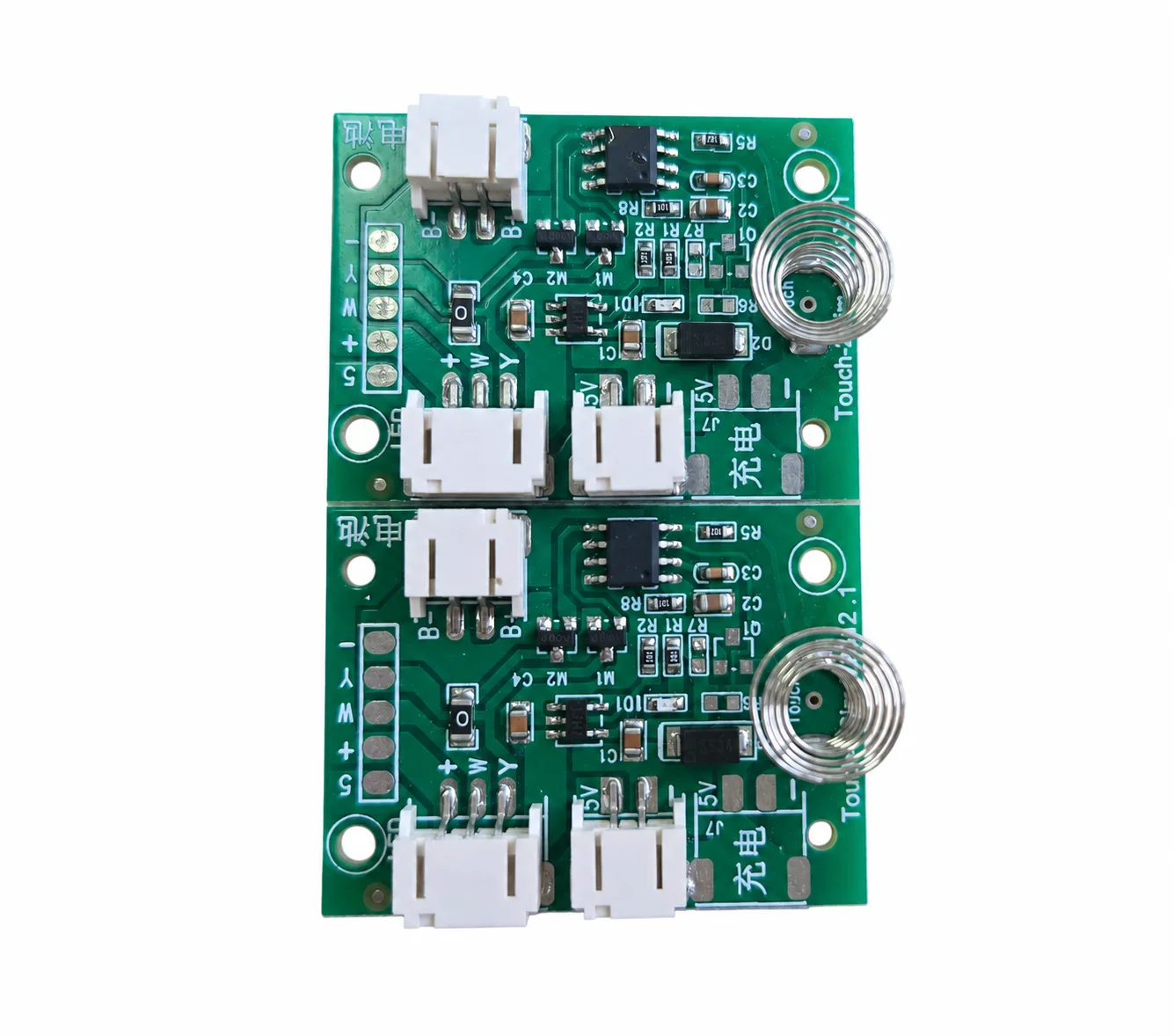
Two custom capacitive touch control boards with connectors on a white background
TOUCH CONTROL BOARD PRODUCT REFERENCE

Touch Control Boards for LED Lighting

Develop a touch control board for an LED vanity mirror, illuminated makeup case or lighted photo frame. Define the switching, dimming and feedback your product needs, then share the LED load, touch-surface construction and enclosure drawings for review.

INTERACTIVE LIGHT DEMOSINGLE TOUCH

One touch. Three whites.

Tap to change the white tone. Press and hold to dim.

  1. 01 / Warm white
  2. 02 / White
  3. 03 / Natural white
Preview brightness75%
TOUCH / HOLDLoading touch control…

Tap: warm → white → natural → warm. Hold to adjust brightness; release to keep it. The next hold reverses the dimming direction.

Keyboard: Enter or Space to tap / hold. ↑ / ↓ also adjusts brightness.

Illustration only. Display colors and the brightness percentage are not measured color temperature or light output. Final dimming range and touch response are confirmed for the project.

View the actual control board
01

LED vanity mirrors and portable makeup cases

02

Lighted photo frames and decorative lighting

03

Application-specific touch, dimming and enclosure integration

04

Review the inputs needed to start

Touch Control for Mirrors and Illuminated Products

A mirror, a travel beauty case and an illuminated frame each place different demands on the control board. Review where the user touches, how the light should respond, where the electronics fit and how the product is powered. The examples below connect those decisions to real product forms.

The board behind
the everyday interaction.

Explore three product directions using supplied photographs and concept artwork. These examples illustrate integration needs, not a universal board specification.

Original photograph of two capacitive touch control boards with spring electrodes and connectors
Control-board reference · original photograph

Three white tones.
Continuous dimming.

The interaction above shows a short touch cycling through warm white, white and natural white. A press and hold adjusts brightness continuously; releasing keeps the selected level.

The board photograph is preserved unchanged. Final LED channels, operating voltage, dimming range, touch sensitivity and enclosure integration are confirmed for the selected configuration.
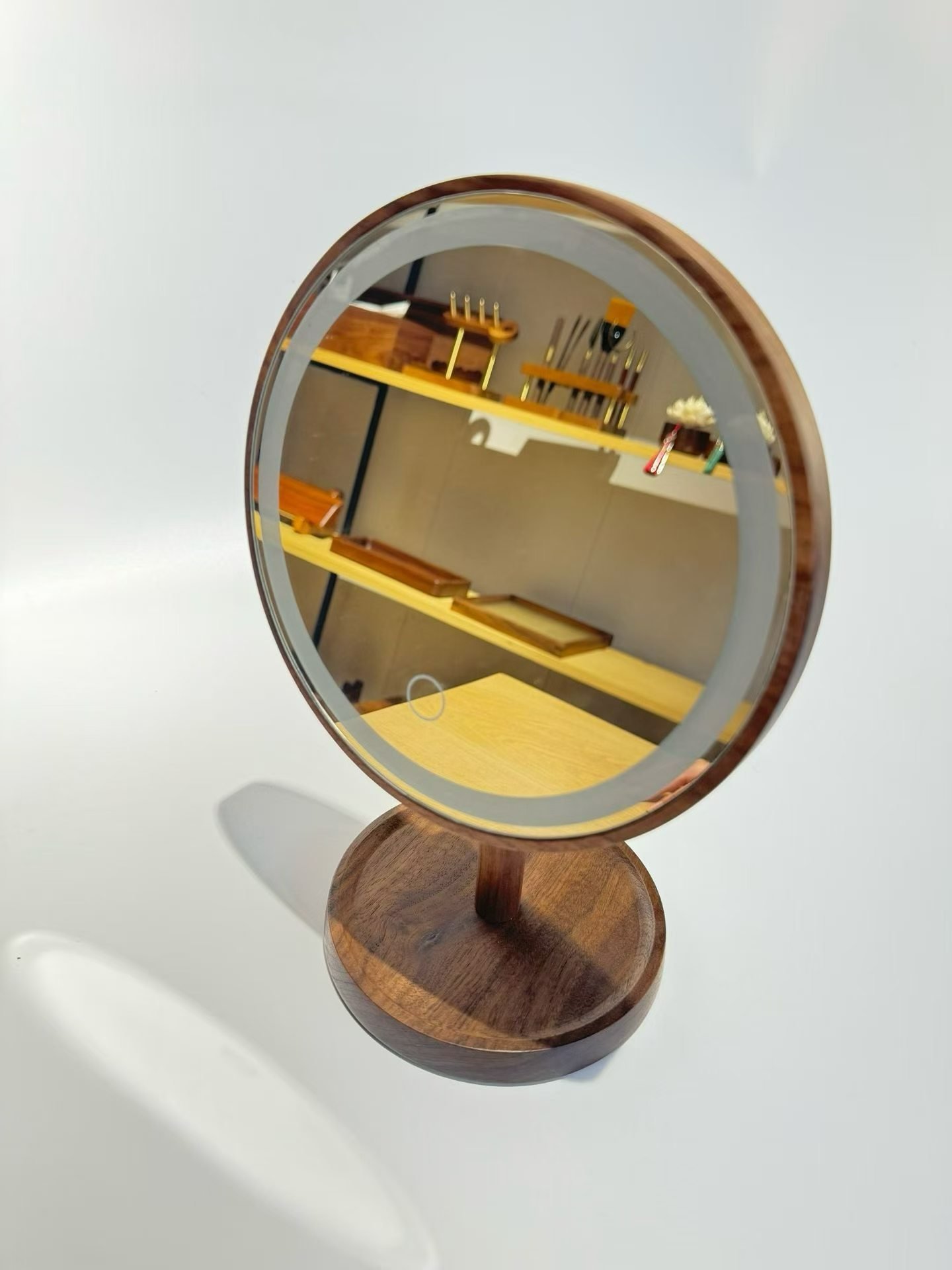
Wood-framed tabletop vanity mirror with a circular touch marking and its light unlit
Product view · light unlit
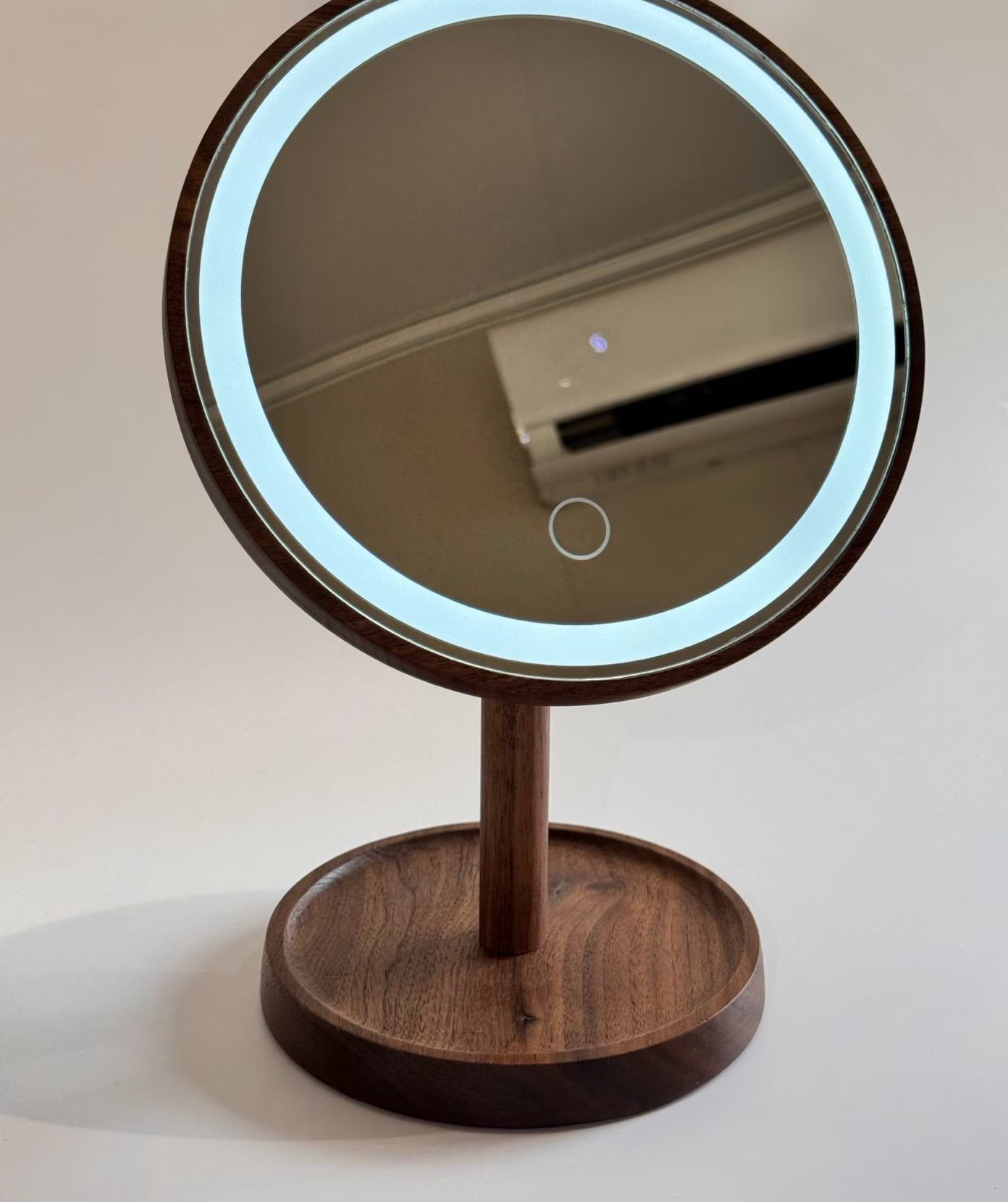
Illuminated tabletop vanity mirror with a light ring and circular touch marking
Illuminated view · original photograph

Lighting control at the mirror surface.

A visible touch point keeps the interaction close to the illuminated ring. Coordinate the sensing area with the mirror construction and the available space behind the glass.

  • Review mirror coating, glass thickness and electrode contact.
  • Specify on/off and dimming behavior for the intended LED load.
  • Evaluate sensitivity with the final housing, wiring and power source.
Discuss a mirror control board →
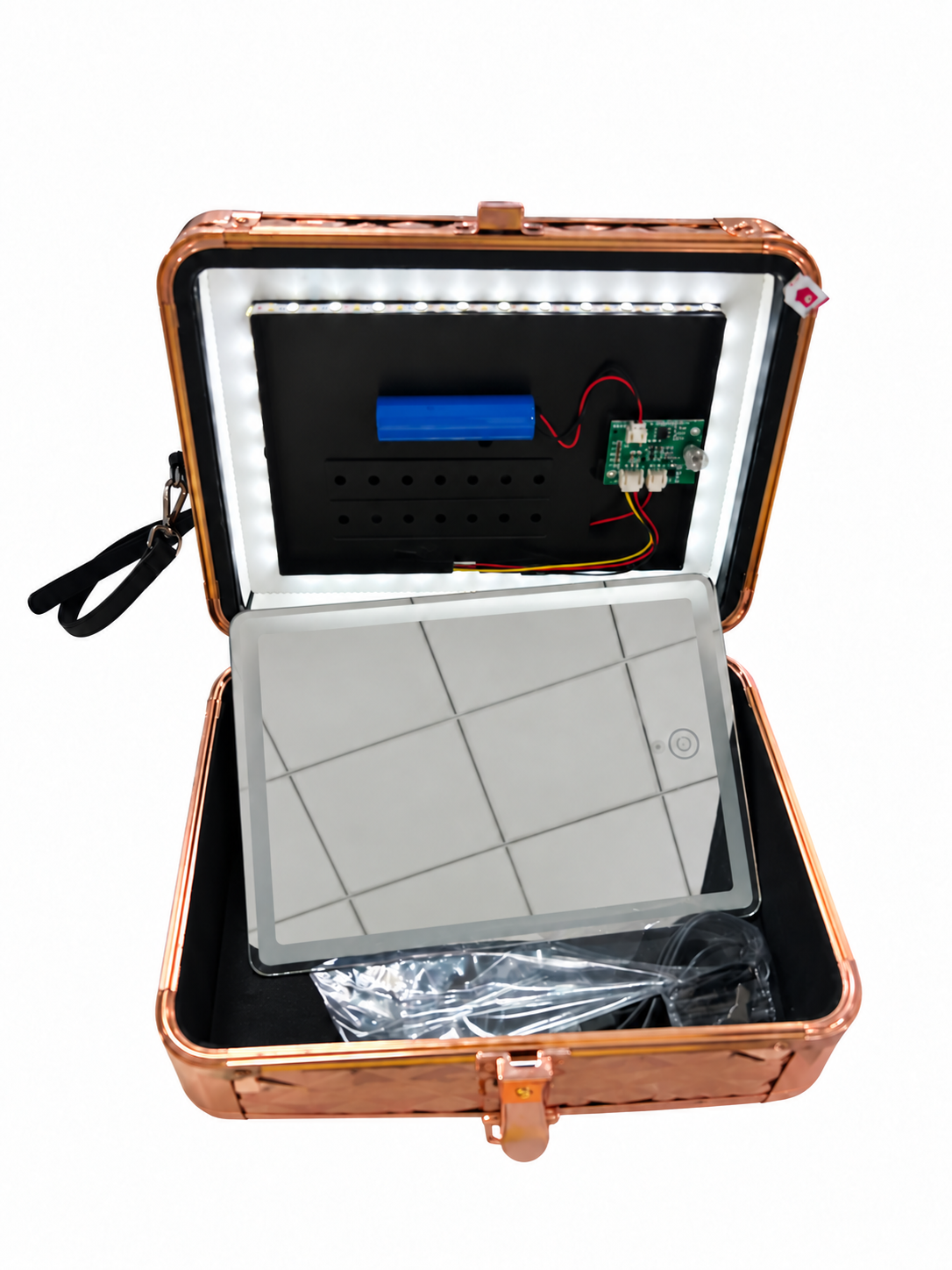
Open illuminated makeup case on a white background showing perimeter LEDs, a battery, a circuit board and internal wiring
Assembly reference · background and mirror reflection edited

Fit the light, power and controls into the lid.

The open-case photograph shows the relationship between the perimeter light, battery, board and wiring. A portable design needs both usable lighting and a practical enclosure layout.

  • Define battery and power requirements; charging is a separate scope to confirm.
  • Plan cable routing, connector access and clearance around hinges.
  • Agree on standby and accidental-touch behavior for storage and transport.
Discuss a portable lighting controller →

A simple touch.
A different lighting mood.

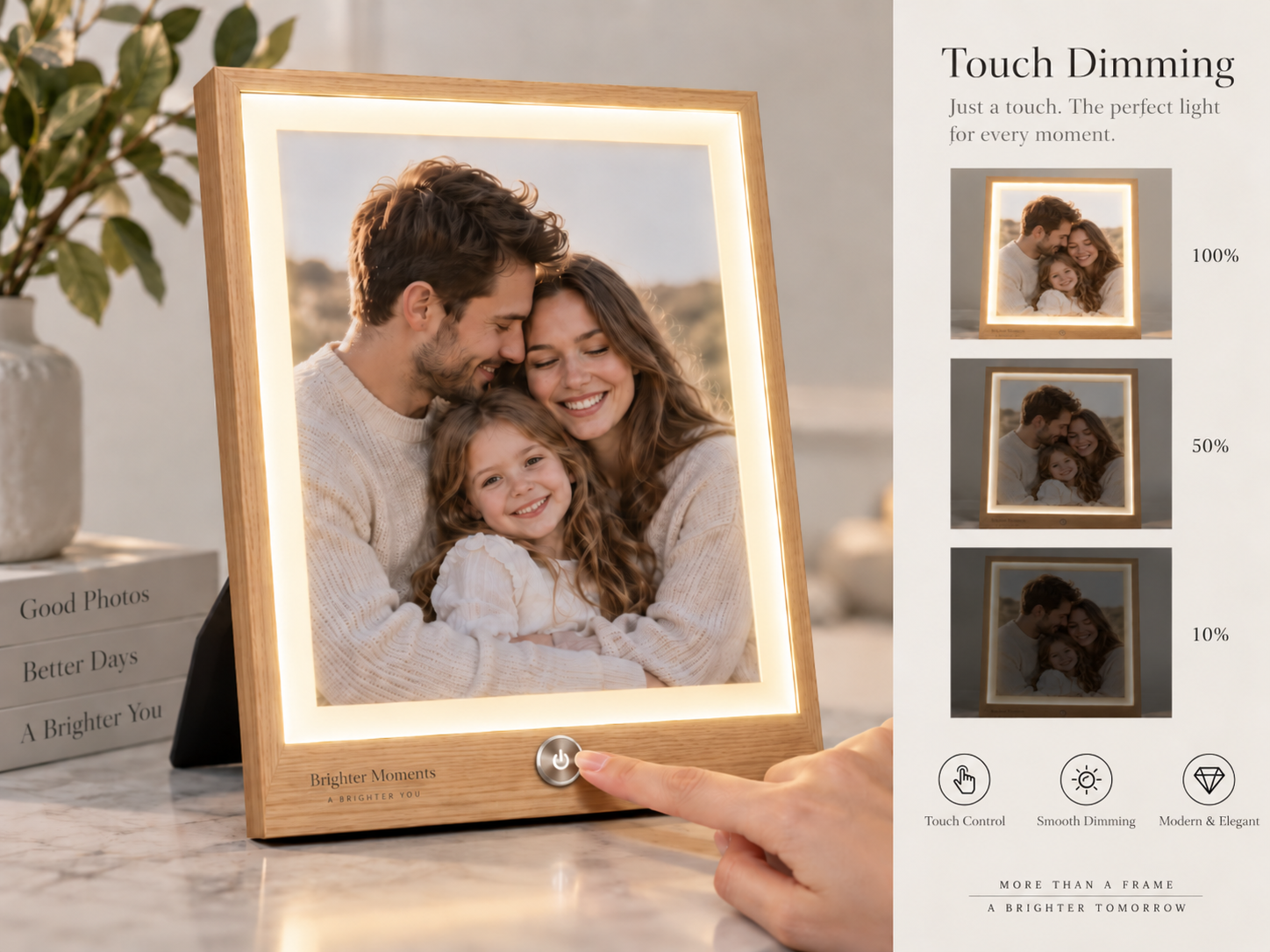
For a lighted frame, define how the user switches the light and changes brightness without distracting from the photograph. Review the touch-button location, frame material and concealed board space together.

Concept artwork supplied for application illustration. The 100%, 50% and 10% labels are illustrative brightness levels, not measured output or confirmed firmware steps. Artwork branding is not a customer endorsement.

Discuss touch dimming for a frame →
Supplied lighted photo-frame concept illustrating touch control and three example brightness levels
Application concept · not a tested performance record

Touch Surface, Dimming and LED Load Requirements

Confirmed requirements, preferred targets, and open questions can all be included in the first brief. Unknown values stay visible until they are reviewed.

01

User interaction

Touch zones, gestures, scene selection, dimming behavior, lockout, timeout, and service controls.

02

Touch construction

Capacitive or other sensing method, overlay material, thickness, graphics, electrode layout, and sensitivity.

03

Feedback

Status LEDs, backlighting, sound, display content, brightness, and day/night behavior where required.

04

Loads & channels

Output types, voltage, current, dimming method, zones, relays, drivers, or external control modules.

05

Communication

Standalone logic or required UART, RS-485, CAN, wireless-module, or product-specific interface.

06

Environment & fit

PCB outline, mounting, connector access, grounding, noise sources, moisture, temperature, and enclosure.

Switching, Dimming and Restart Behavior

The preview demonstrates single-touch white-tone selection and press-and-hold continuous dimming. Final electrical limits, sensing and restart behavior are reviewed for the selected configuration.
01

Tap to change the white tone

Use a single touch point to cycle through warm white, white and natural white, as shown in the interactive preview.

02

Hold for continuous dimming

Press and hold to adjust brightness continuously; release to keep the selected level. Confirm the final dimming range and compatible LED load.

03

Match the white-light channels

White-tone selection requires a compatible light source and driver. Confirm the actual color temperatures, channel balance and light output for the project.

04

Define restart behavior

Agree on brightness memory, power-on state, standby consumption and accidental-touch handling for the intended product.

From project brief to approved handoff.

A review result, prototype, or sample remains a project stage. Production begins only from the information and acceptance criteria approved for that project.

  1. 01

    Requirements review

    Confirm the application, functions, electrical limits, interfaces, mechanical constraints, quantity, and open questions.

  2. 02

    Architecture & prototype

    Develop the agreed circuit, PCB layout, firmware scope, connectors, and prototype route.

  3. 03

    Evaluation & revision

    Check the agreed functional, electrical, thermal, communication, and fit criteria, then record revisions.

  4. 04

    Production handoff

    Release only the approved design, component, firmware, assembly, inspection, and packing information.

DESIGN & MANUFACTURING SUPPORT

Designed by us.
Built with trusted partners.

Our in-house PCB design connects your product requirements with manufacturing and testing capabilities at our partner factories.

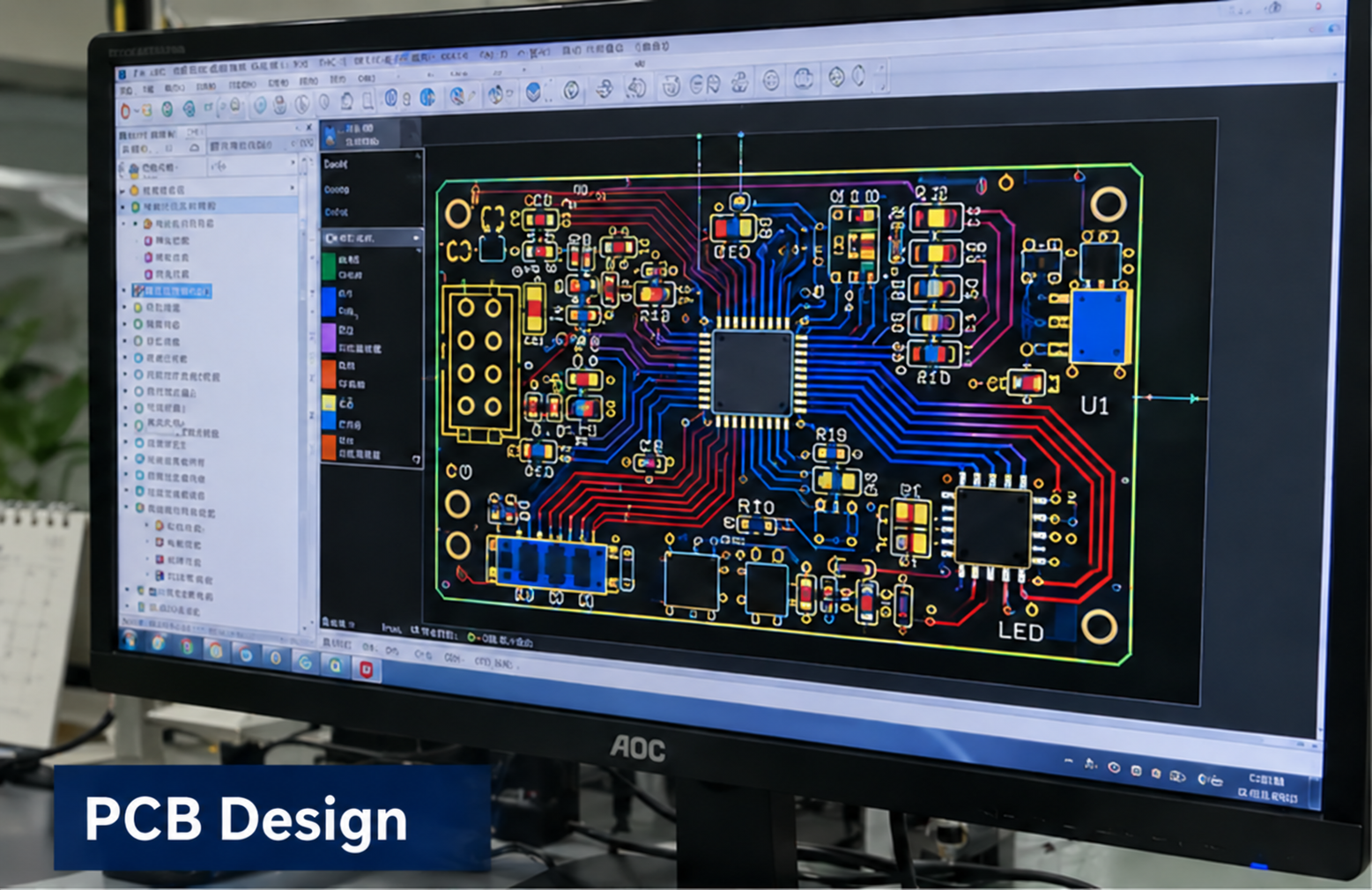
In-house design: PCB Design

In-house design

PCB Design

Circuit and PCB layout developed around your product requirements.

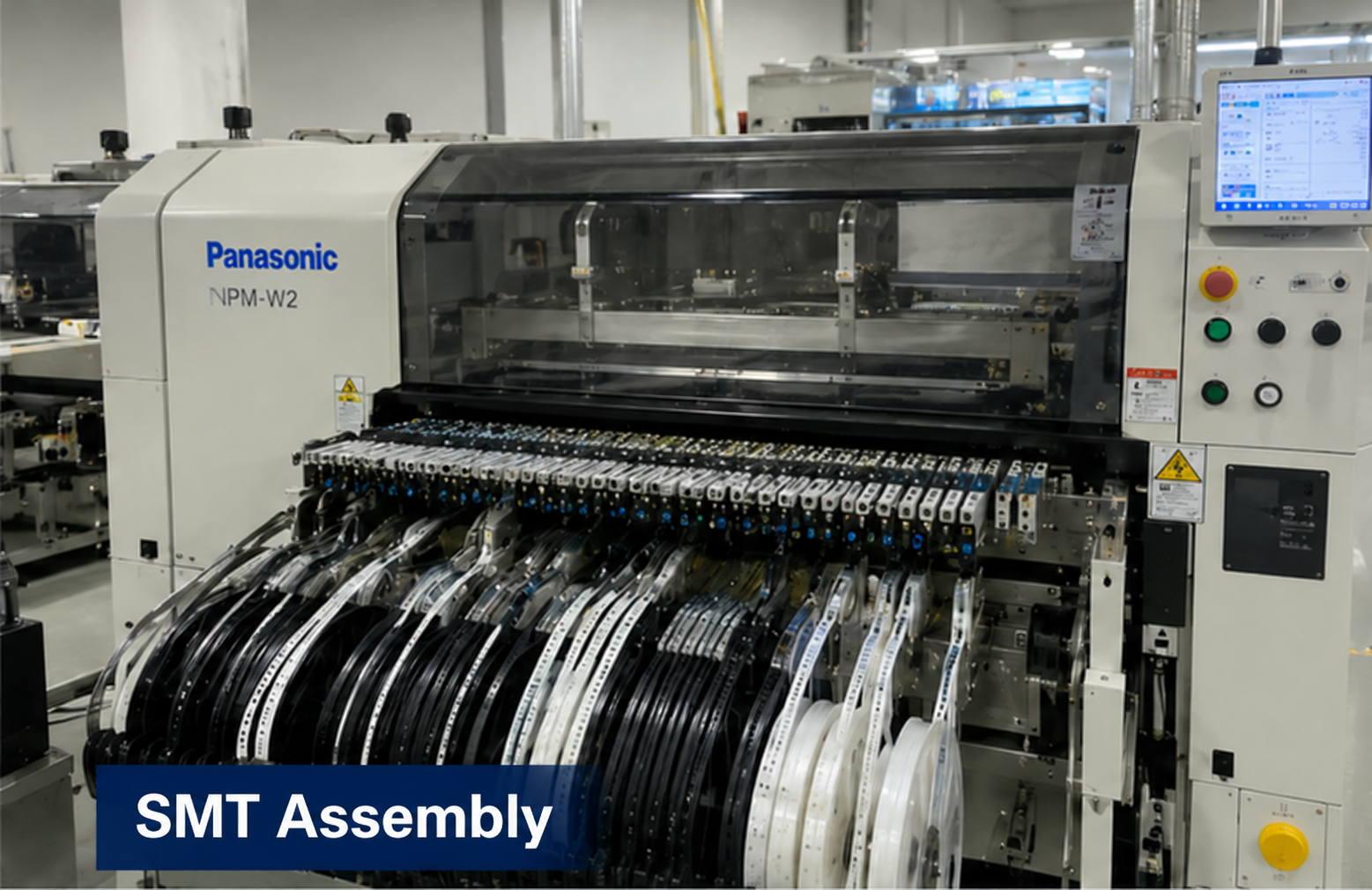
Partner factory: SMT Assembly

Partner factory

SMT Assembly

Component placement and assembly for the approved board design.

Partner factory: Reflow Soldering

Partner factory

Reflow Soldering

Reflow soldering as part of the board assembly process.

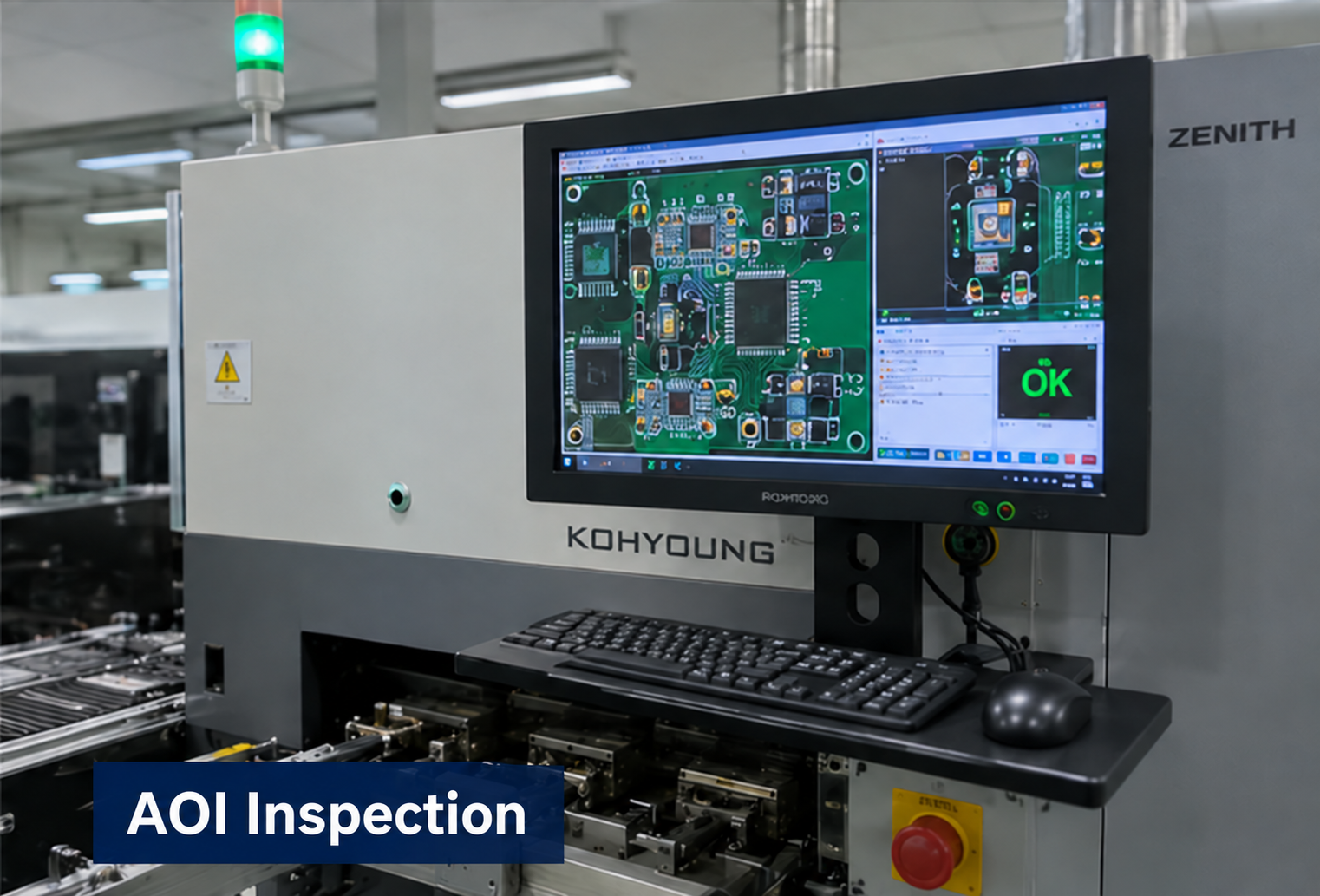
Partner factory: AOI Inspection

Partner factory

AOI Inspection

Optical inspection to support assembly quality checks.

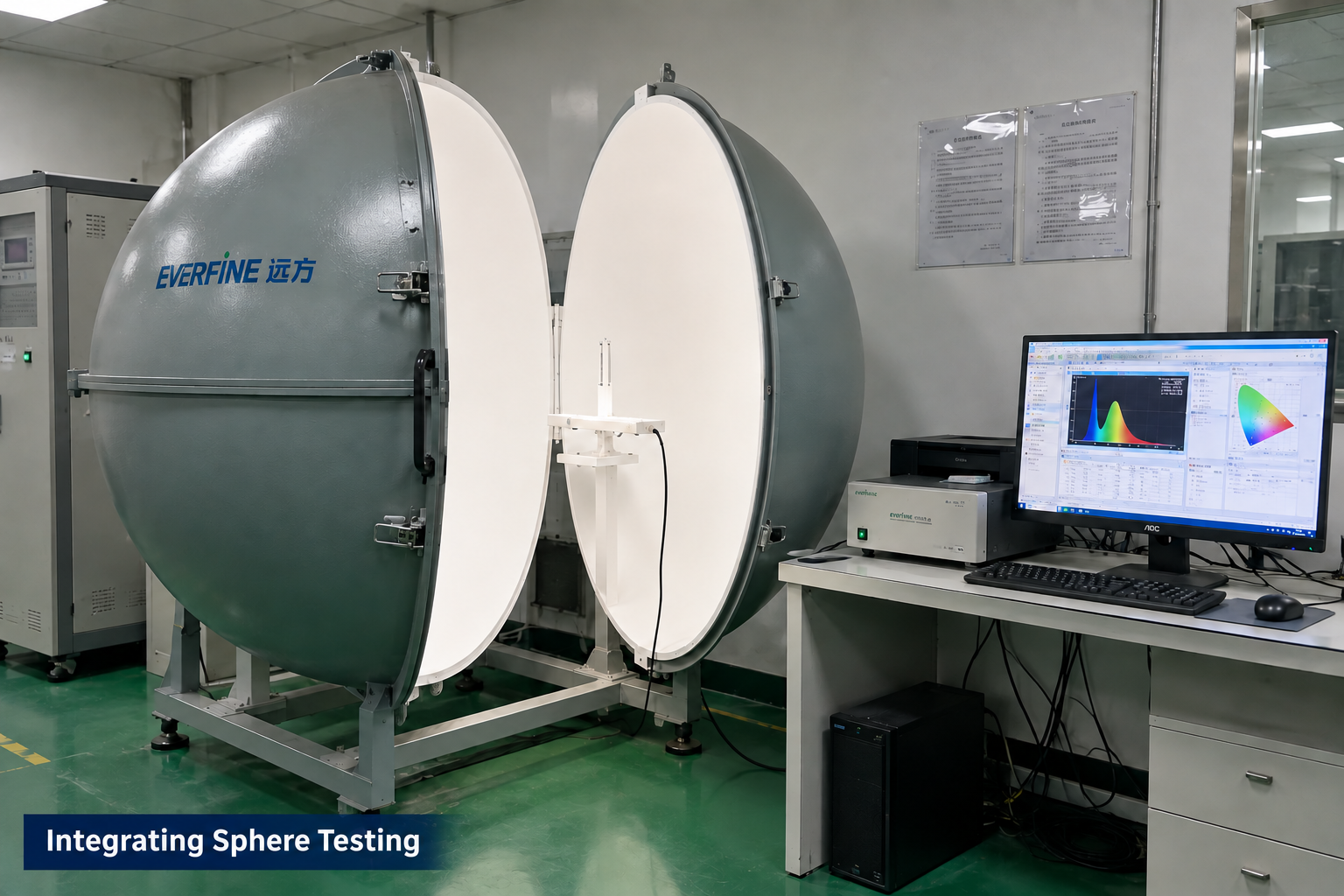
Partner factory: Integrating Sphere Testing

Partner factory

Integrating Sphere Testing

Optical measurement for applicable LED module projects.

PROJECT-SPECIFIC VALIDATION

Manufacturing and testing scope is agreed for each project. Integrating sphere testing applies to LED optical projects; it is not a required test for every control board. These images illustrate capabilities, not test results or certification for this product.

Send drawings, photos, samples, requirements, or an existing design.

Send Your Requirements

Before the first technical review.

These answers describe how a project can begin. They do not promise an unreviewed specification, performance result, certification, schedule, or price.

Can the touch panel work through glass or acrylic?

It may be possible, but material, thickness, air gaps, graphics, electrode geometry, grounding, moisture, and nearby electrical noise must be reviewed and tested for the specific construction.

Can one panel control multiple lighting scenes?

Yes, when the required zones, channels, scene logic, dimming method, feedback, and communication path are defined in the project scope.

Can you match an existing panel size and connector position?

Mechanical targets can be evaluated against PCB routing, sensing area, clearances, connector access, enclosure structure, and manufacturing constraints.

What information is needed for an LED touch control board?

Send the product application, touch layout, overlay and enclosure information, controlled LED loads, power, switching and dimming behavior, communications, quantity, target date, and any drawings, photos, or samples.

Send your touch control boards requirements.

Include the application, confirmed inputs, preferred targets, expected quantity, target date, and available drawings, photos, files, or samples.

Inquiry about: Touch Control Boards

No file chosen
PDF, image, ZIP, Office, DXF, STEP, or STP. Maximum 5 MB on this server. Uploads are temporarily processed by the server and sent as email attachments. Inquiry emails and attachments are retained long-term without scheduled automatic deletion. See our Privacy Notice.

Your information is used only for quotation and project follow-up. Do not include passwords or unrelated confidential information.